

Zoom Workplace: A Meeting App With Documents, Chat, and AI Assistance Around It
Editorial status: Editorial reviewed for publication — not independently product-tested
What Zoom Workplace Is Positioned to Do
Zoom Workplace describes itself as an AI-first collaboration platform that brings meetings, chat, phone calls, docs, calendar, mail and whiteboard into a single app. That framing matters because the product is presented less as a standalone video-call utility and more as a consolidated workspace for team communication. The listing states the app is intended for remote work, office work and mobile use, with the goal of helping teams stay connected and complete work from one place. This positions the Android app as a companion to a broader collaboration account rather than a self-contained toolset.
Editorially, the breadth of the described feature set suggests the app is aimed at organizations already coordinating meetings and messaging across several tools. The value proposition rests on consolidation, so the practical benefit depends on how much of that stack a team is willing to move into one account.
Meetings, Chat and Calls in One Mobile App
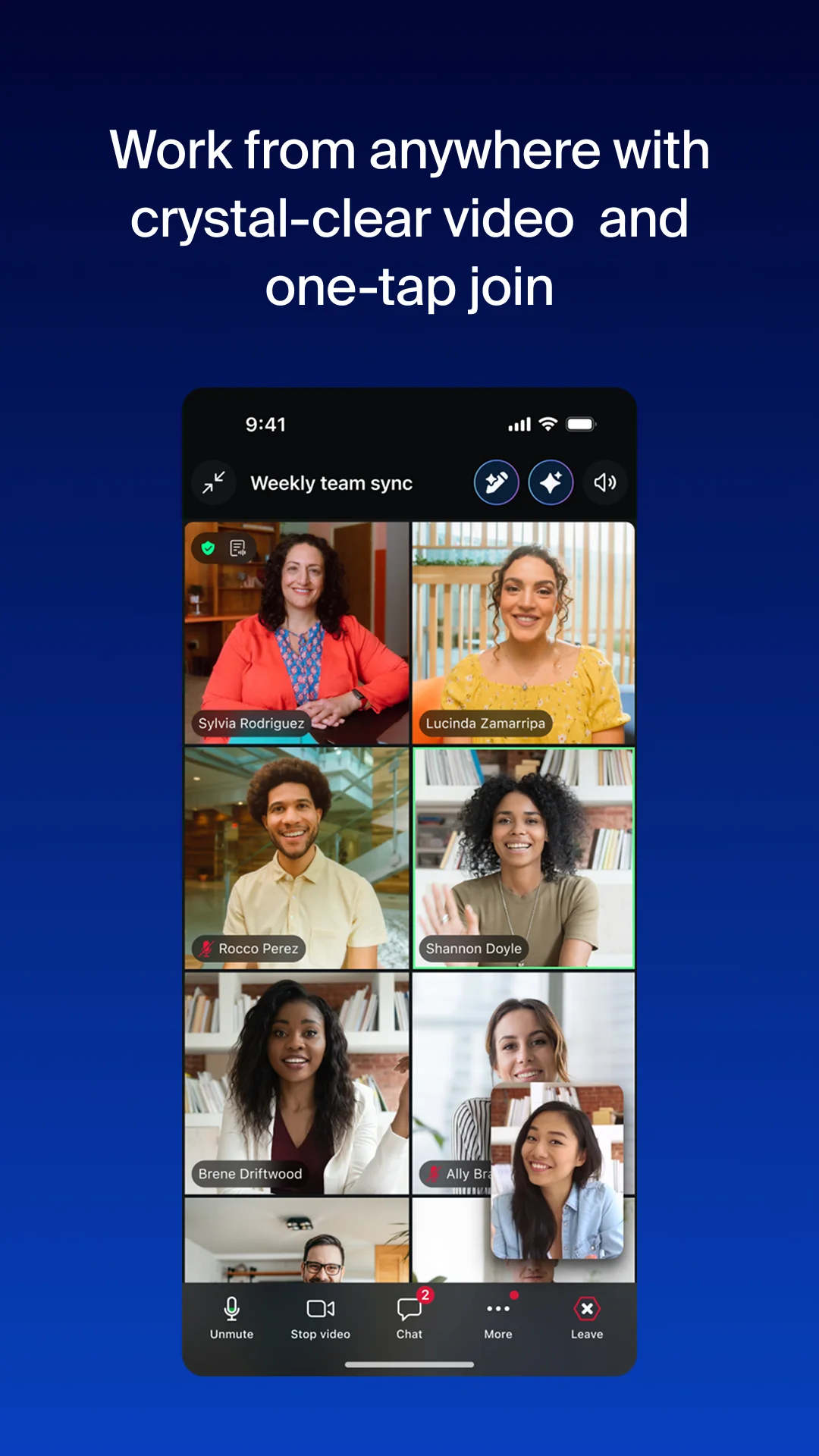
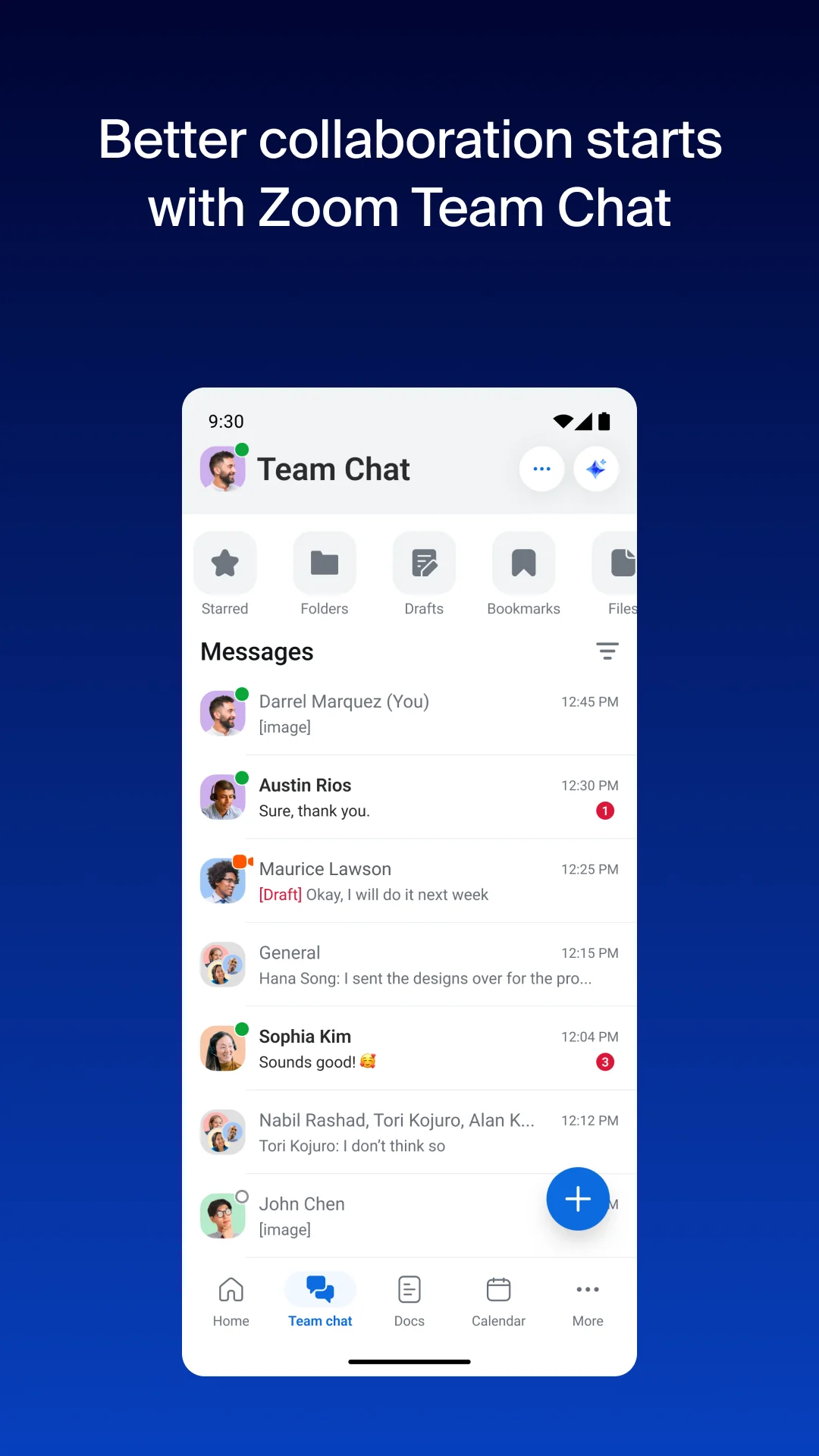
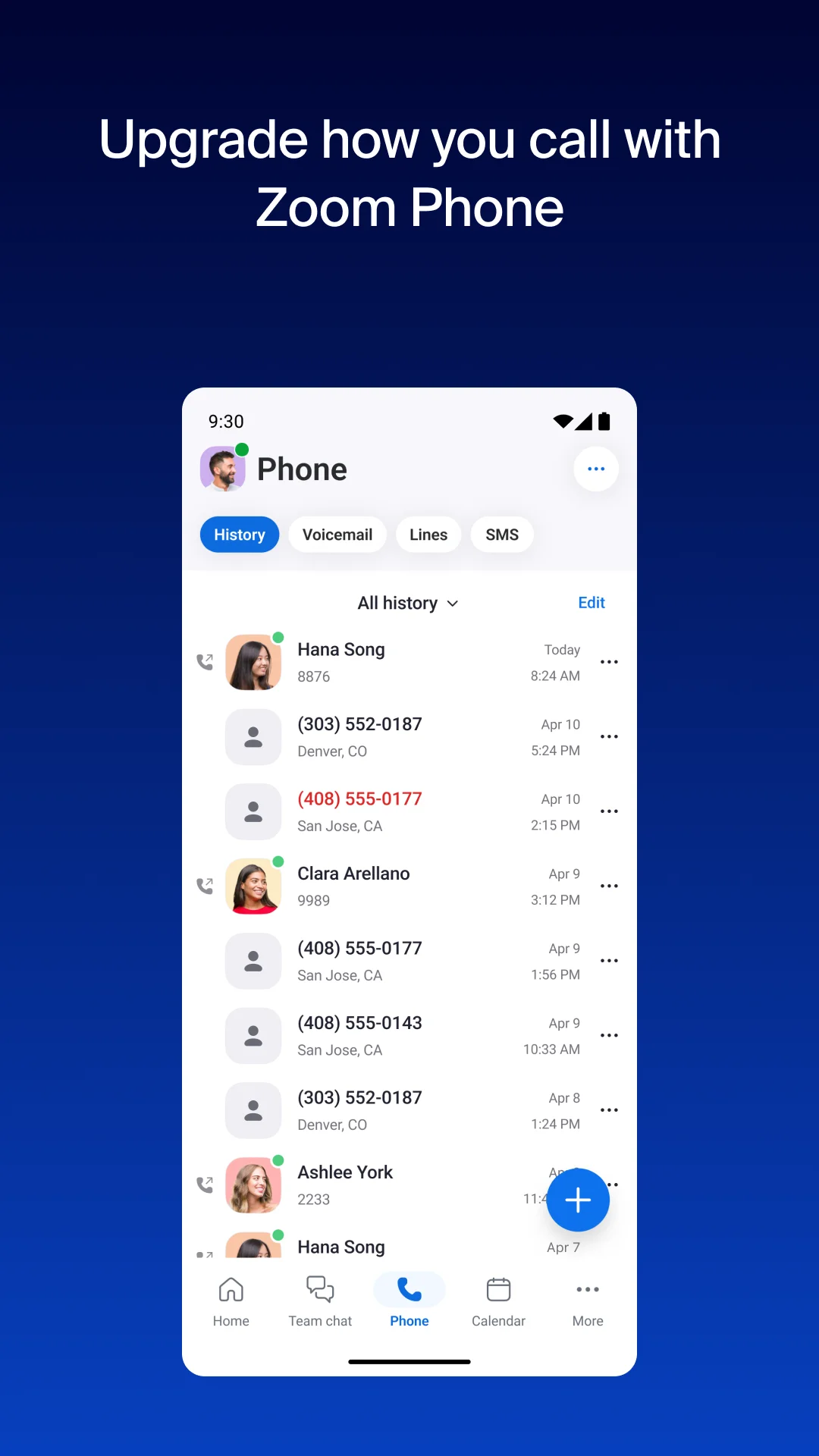
The core meeting workflow is straightforward in the listing: schedule or join a video meeting with one tap. That single-tap entry point is the app's most concrete mobile interaction and anchors the rest of the described collaboration features. Beyond video, the app describes Team Chat for messaging colleagues and external contacts, and Zoom Phone for placing and receiving phone calls or sending SMS text messages. These are presented as parts of the same app rather than separate downloads.
The listing also names calendar and email among the tools combined into the app, alongside document editing and a virtual whiteboard. Taken together, the described workflows span pre-meeting scheduling, in-meeting conversation and post-meeting follow-up within one interface. Editorially, this combination is the clearest differentiator from a meetings-only app: the described workflows connect messaging, calling and meeting scheduling rather than treating each as an isolated task. Whether that consolidation reduces tool-switching in practice is an interpretation, not a measured outcome.
AI Assistance and Document Work
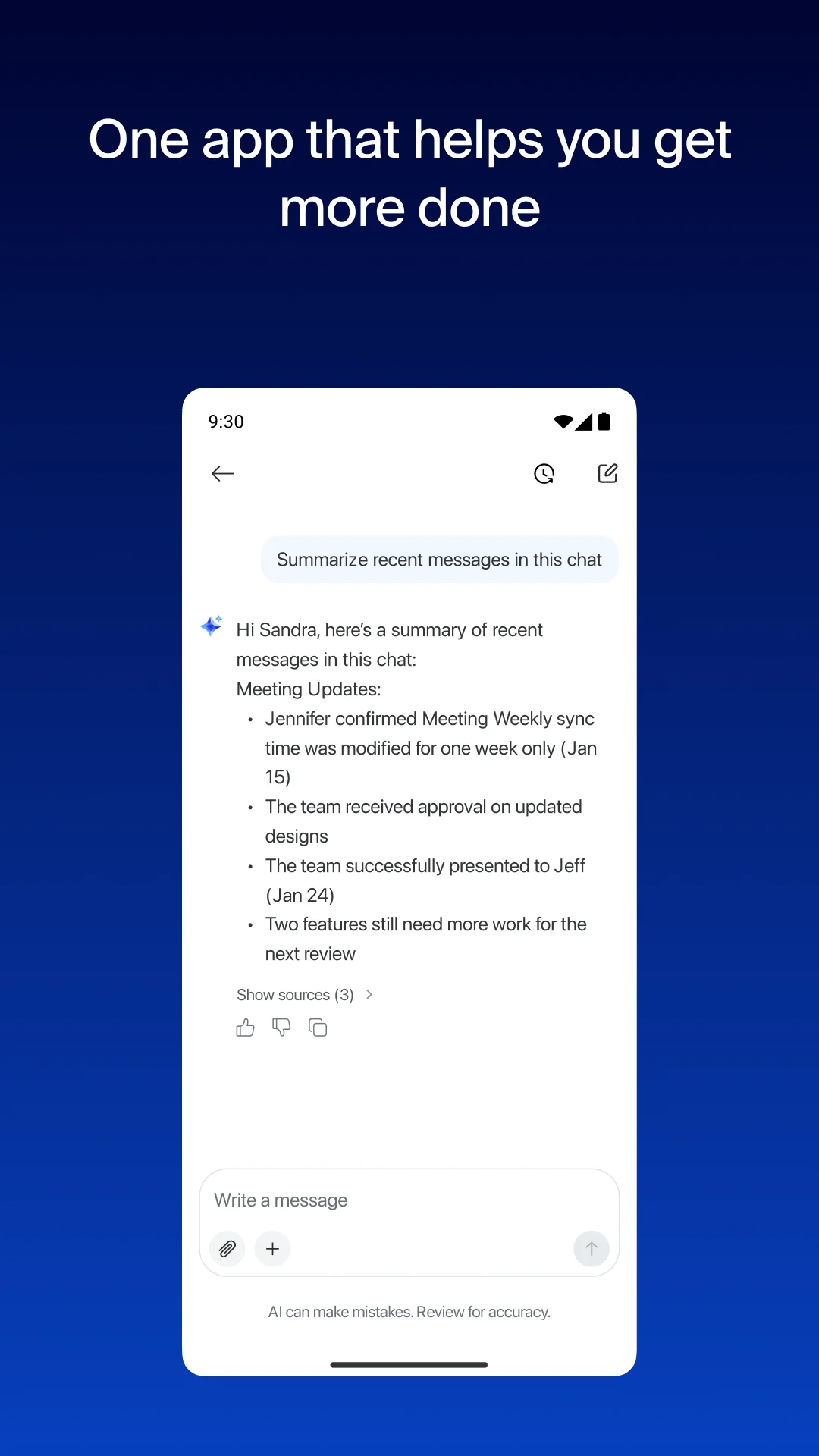
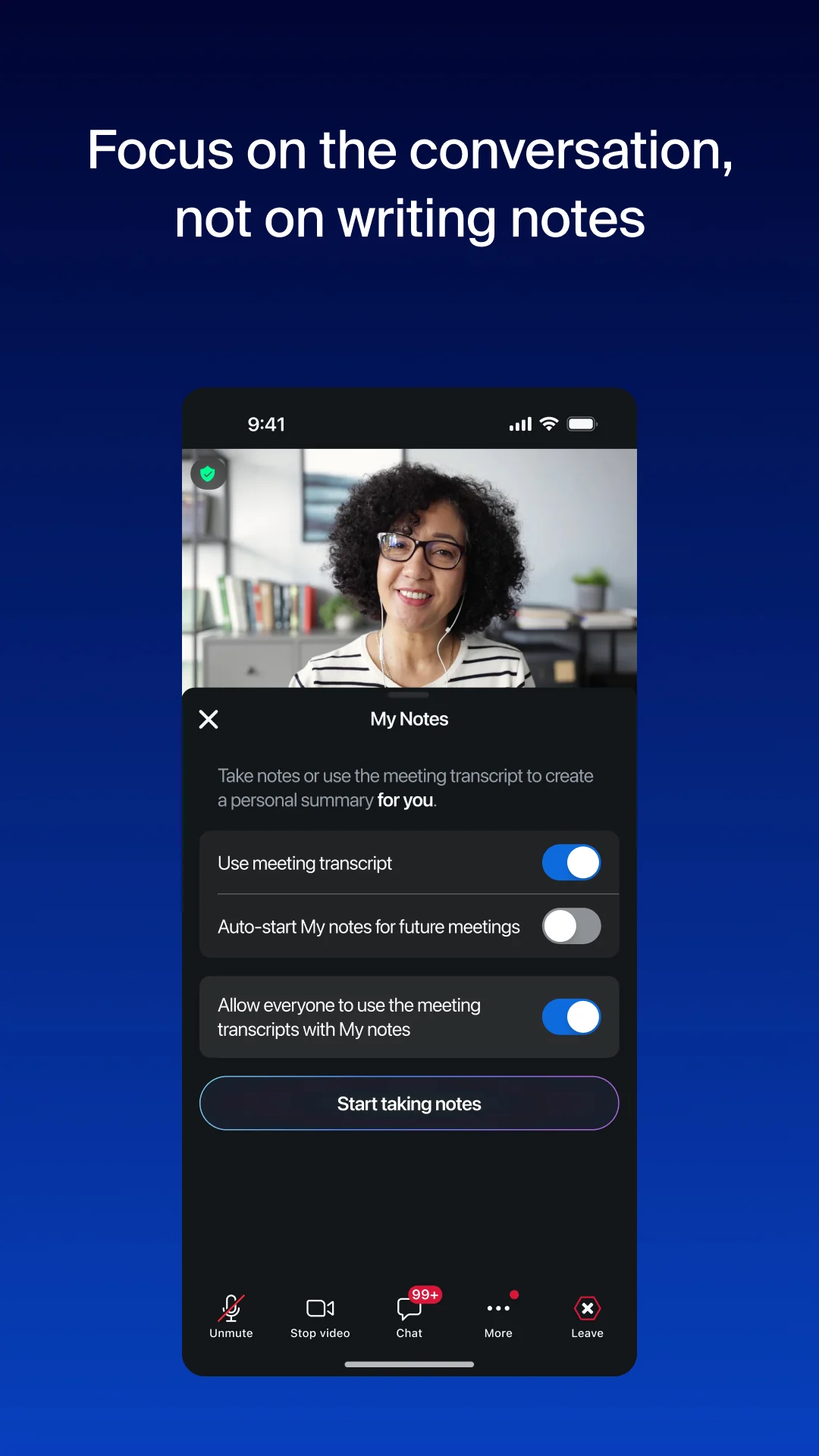
Zoom AI is described as built in, with help preparing for meetings, taking notes through My notes, catching up on missed messages and drafting content. A built-in AI notetaker is said to produce AI-generated meeting summaries, and automatic meeting summaries are listed among productivity features. The listing also describes drafting messages and content with AI that knows the user's work context, and catching up on unread Chat messages quickly. These are presented as assistance features layered onto the communication tools rather than as a separate product.
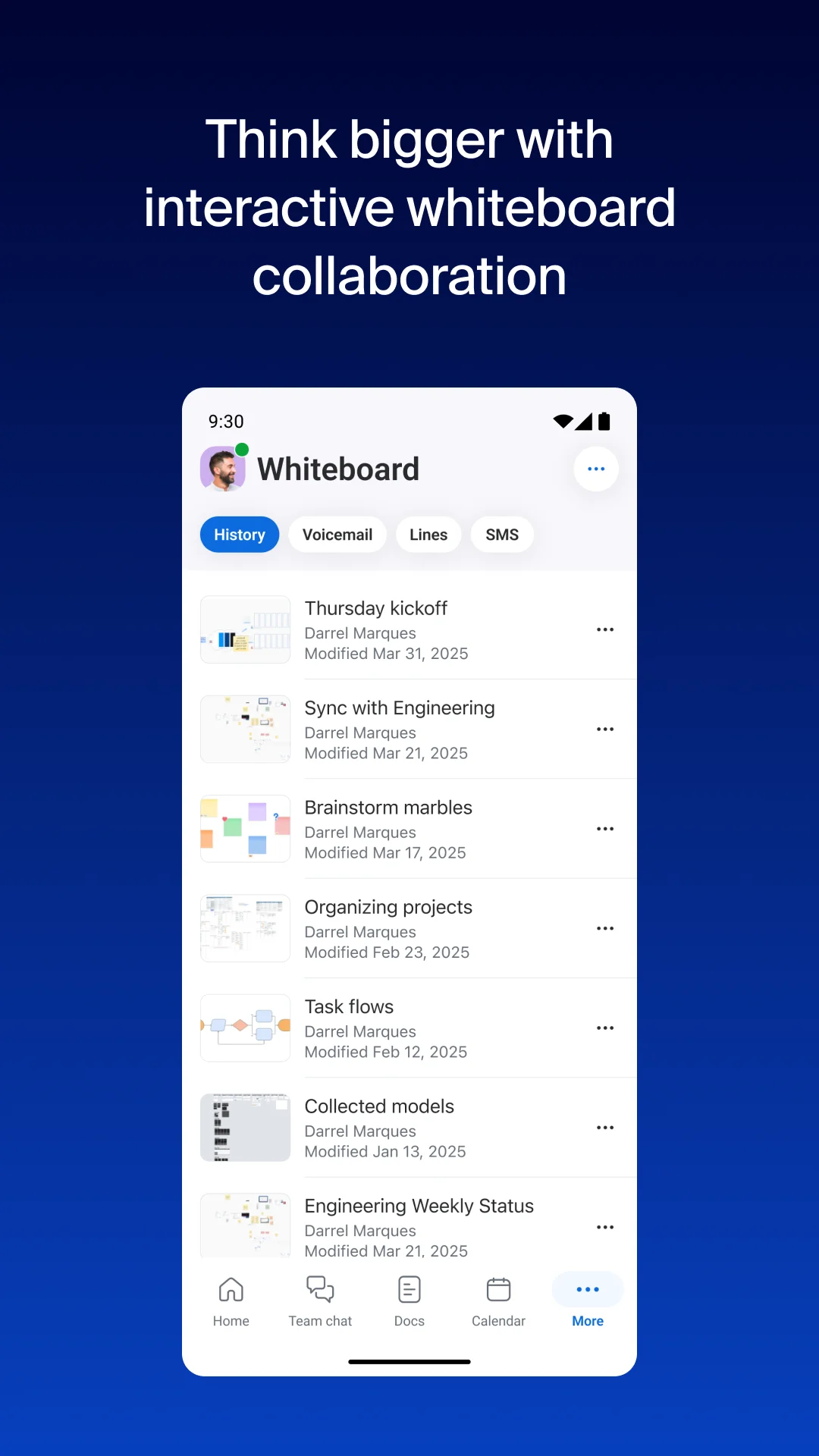
For document work, the app describes creating and sharing Zoom Docs to keep a team aligned, and brainstorming and collaborating on Zoom Whiteboard. These extend the app beyond conversation into shared artifacts that a team can build and reference together. Editorially, the AI features are best understood as workflow shortcuts attached to existing meeting and messaging tasks, such as summarizing or drafting. The listing does not describe how those outputs are verified, so readers should treat them as assistance rather than authoritative records.
Joining a meeting and hosting one are different tests
A July 2026 sampled reviewer explicitly describes joining meetings rather than hosting them, praising picture, sound, and appearance controls. That experience cannot verify host administration. An October 2026 reviewer finds meetings useful but reports occasional crashes and freezing when enabling video. Neither comment establishes a current device-wide fault or the quality of every connection.
Try joining, switching camera and microphone, and returning from another screen before relying on the app for an important call. A team evaluating the wider workspace should also test the tools its account actually includes. The listing's phone and AI features carry eligibility conditions; their presence in the description is not an entitlement for every user. Generated notes and summaries should be checked against the meeting rather than treated as an authoritative record, particularly when the exact wording or a follow-up commitment matters.
Editorial disclosure: This overview combines a stored Google Play product description with anonymized Google Play reviews from an existing local snapshot. Reviews were collected with per-star limits, so the selected sample is not representative of all users or the overall rating distribution. Older comments may concern earlier releases. Reported experiences and present feature availability have not been independently verified; BAUIQ did not personally test the app. Dates refer to stored review timestamps; edit times have not been independently verified.
Source basis: Stored US/en Google Play description verified on 2026-11-04; 100 privacy-filtered, deduplicated reviews selected from a local per-star-capped snapshot. Selection is not representative. Source records span 2018-12-10 to 2026-10-19. Archived listing extracts were also consulted; this is not a live feature or policy audit.