
Google Gemini: Visual Context and Creative Tools Still Need Careful Instructions
Editorial status: Editorial reviewed for publication — not independently product-tested
What Google Gemini Is Positioned to Do
Google Gemini is described in its store listing as a personal, proactive and powerful AI assistant intended to span everyday moments, from a morning commute to late-night research sessions. That framing places the App in the AI-assistant subcategory rather than in a single-task utility category. The listing attributes the App's capability range to its underlying models, naming Gemini 3.6 and Gemini Omni as the models that unlock productivity and creativity features. The App is therefore presented as a front end to evolving model families rather than a fixed feature set.
Editorially, this model-led positioning matters for how the App should be evaluated: the listing ties headline capabilities to specific model names, so the practical feature mix is best read as something the App surfaces from those models rather than a static menu of tools.
Conversational and Multimodal Workflows
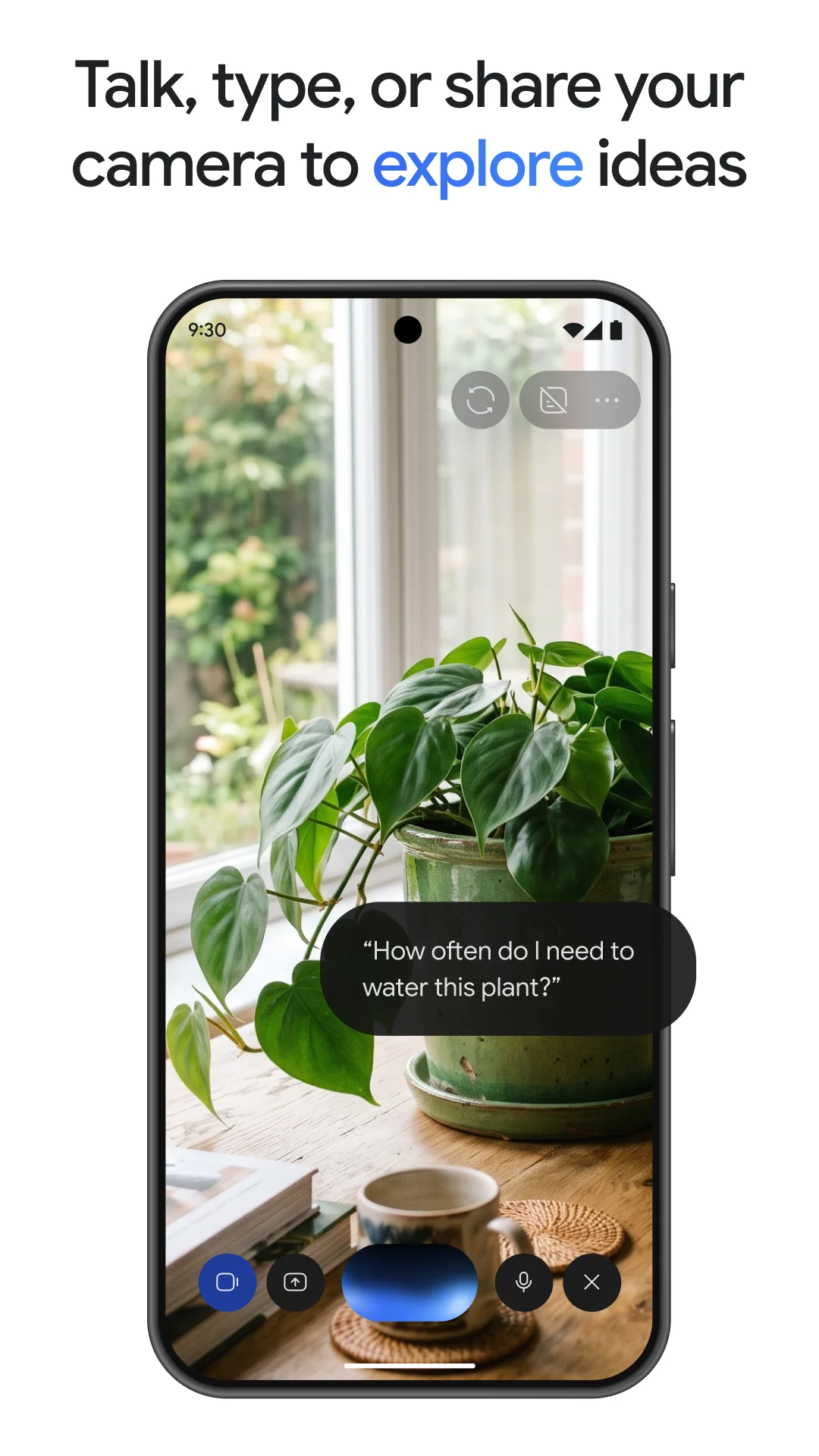
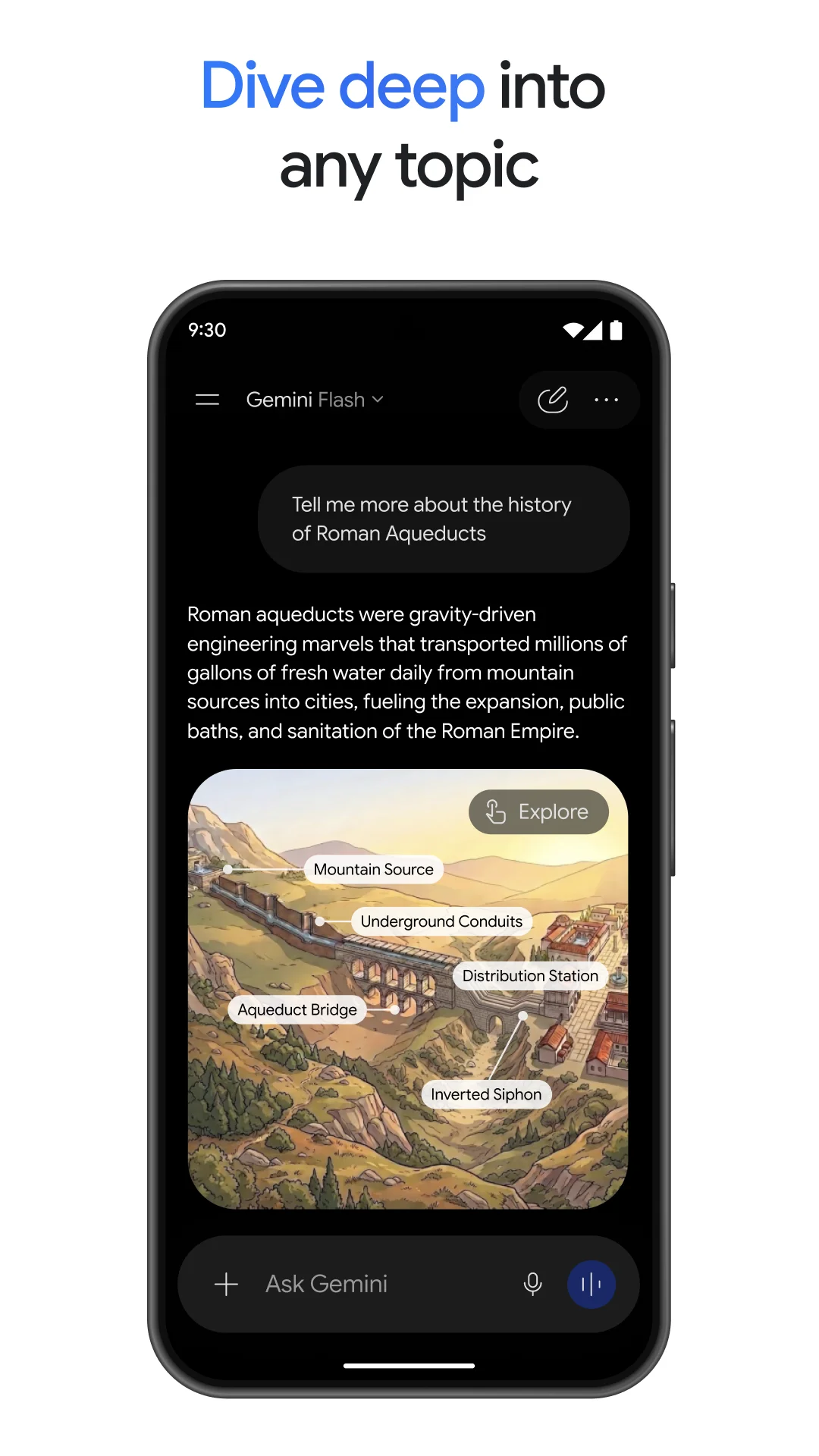
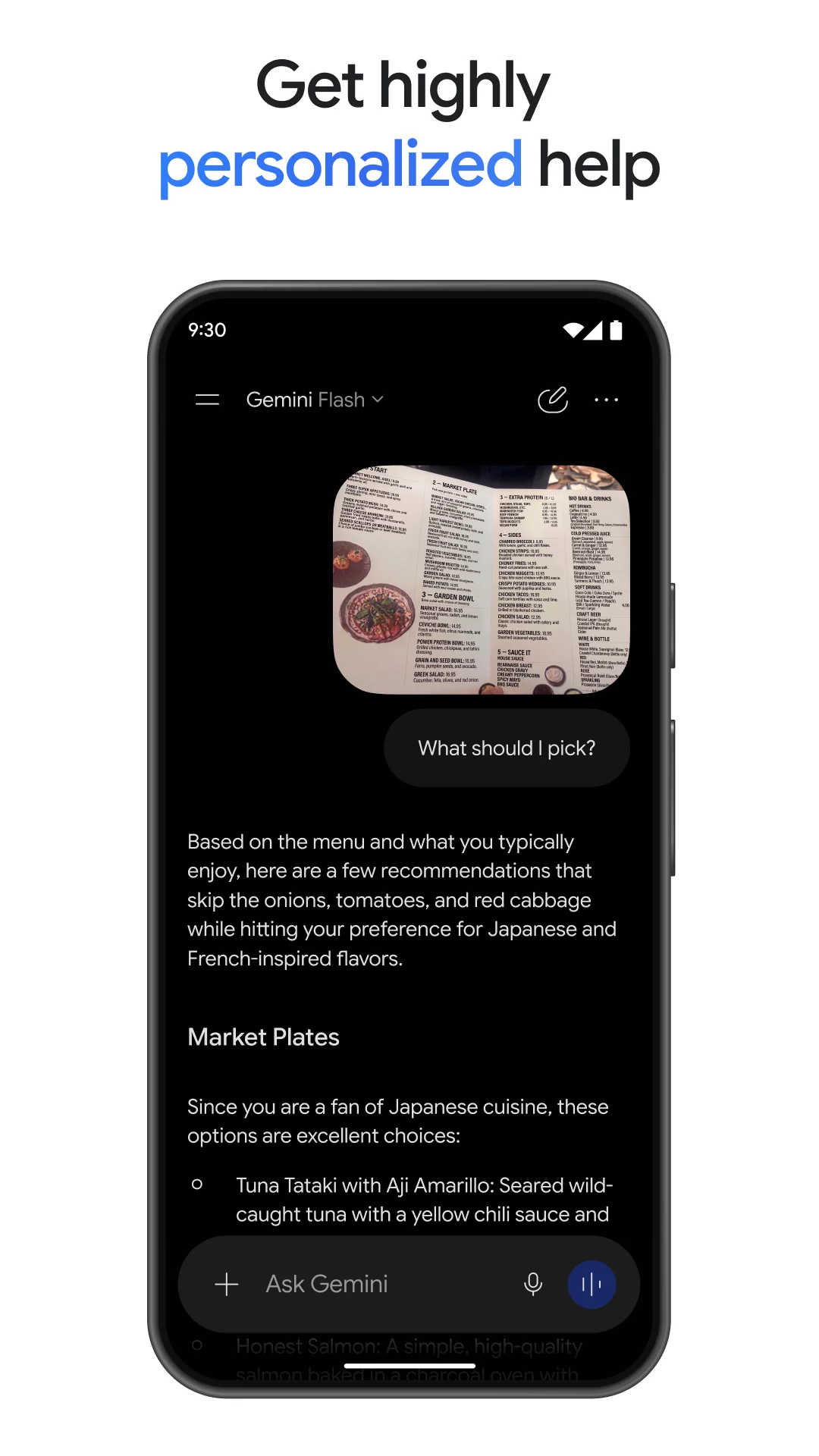
Gemini Live is described as a real-time conversational mode for brainstorming, with the option to share a screen or camera so the discussion can center on what the user is currently viewing. This makes live, visual context part of the conversation rather than a separate upload step. The listing states that responses are not limited to a wall of text; instead they can include interleaved images, timelines and interactive visuals. Output format is thus presented as part of the answer design, not an afterthought.
Editorially, the combination of live screen or camera sharing with interleaved visual responses suggests a workflow oriented toward discussing something in front of the user and receiving structured visual output, which distinguishes it from text-only chat framing.
Connected Google Apps and Uploaded Content
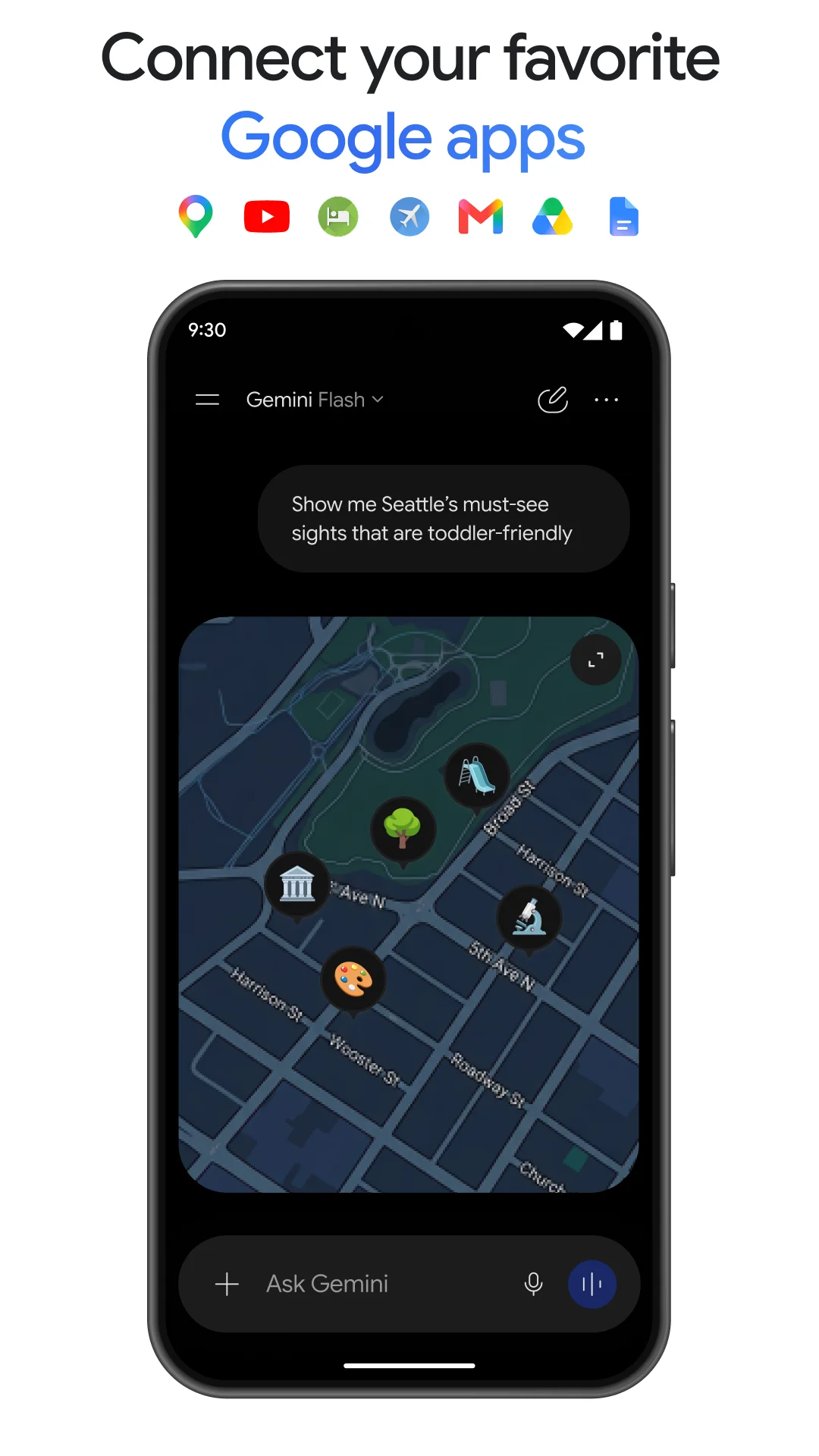
Personalization is described as coming from connecting Google apps such as Gmail, Calendar, Google Photos, YouTube and Search. The App's assistance is therefore framed around services the user may already use rather than a standalone data store. Beyond connected apps, the listing says users can upload documents, spreadsheets, photos, videos and more to obtain answers, summaries and insights about that content. This gives the App a content-analysis workflow alongside its conversational one.
Editorially, connected apps and uploaded files represent two different trust and context models: one draws on linked services, the other on material the user supplies directly. The listing presents both, but does not describe how they interact within a single request.
Creative Generation and Editing Tools
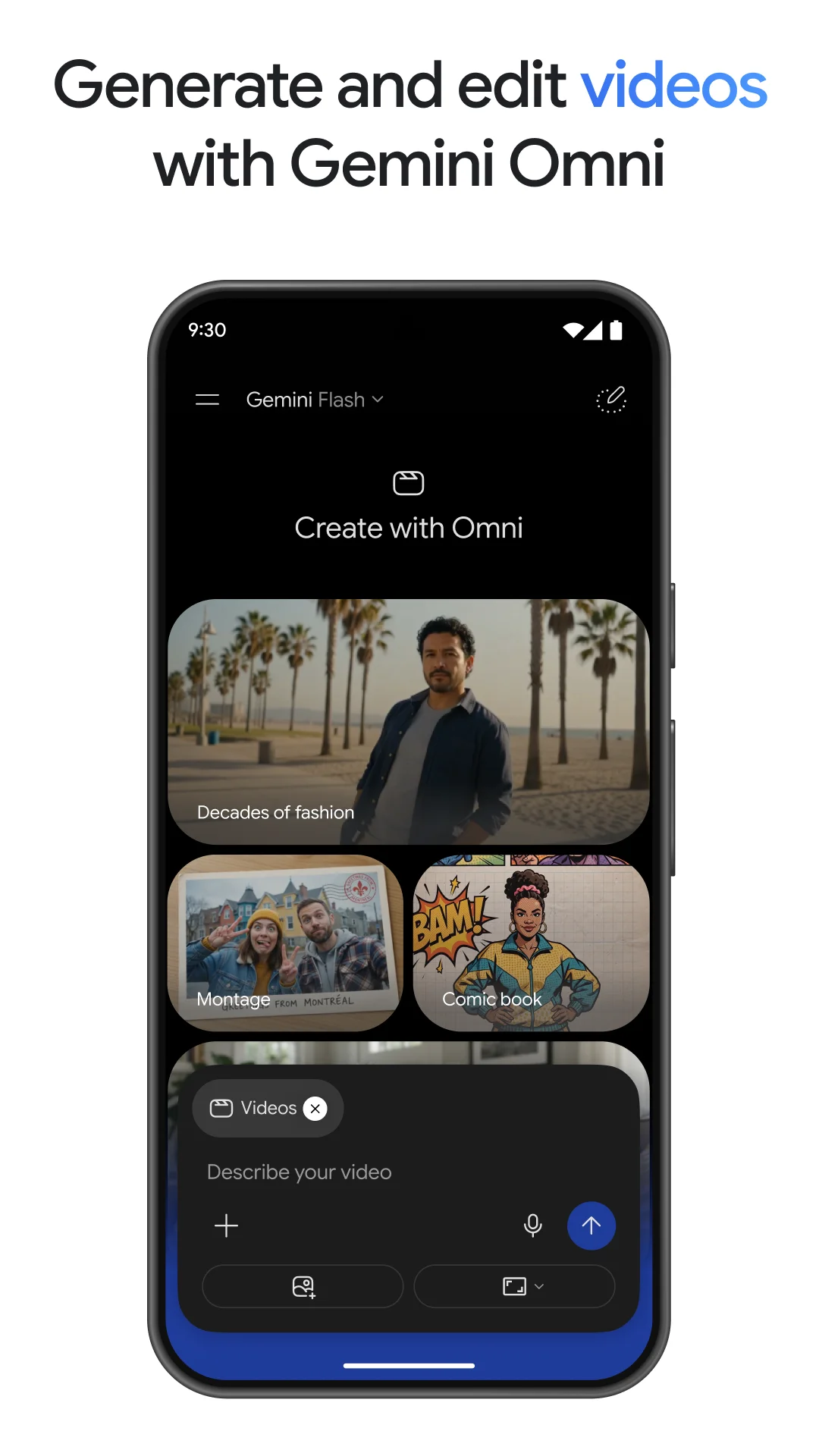
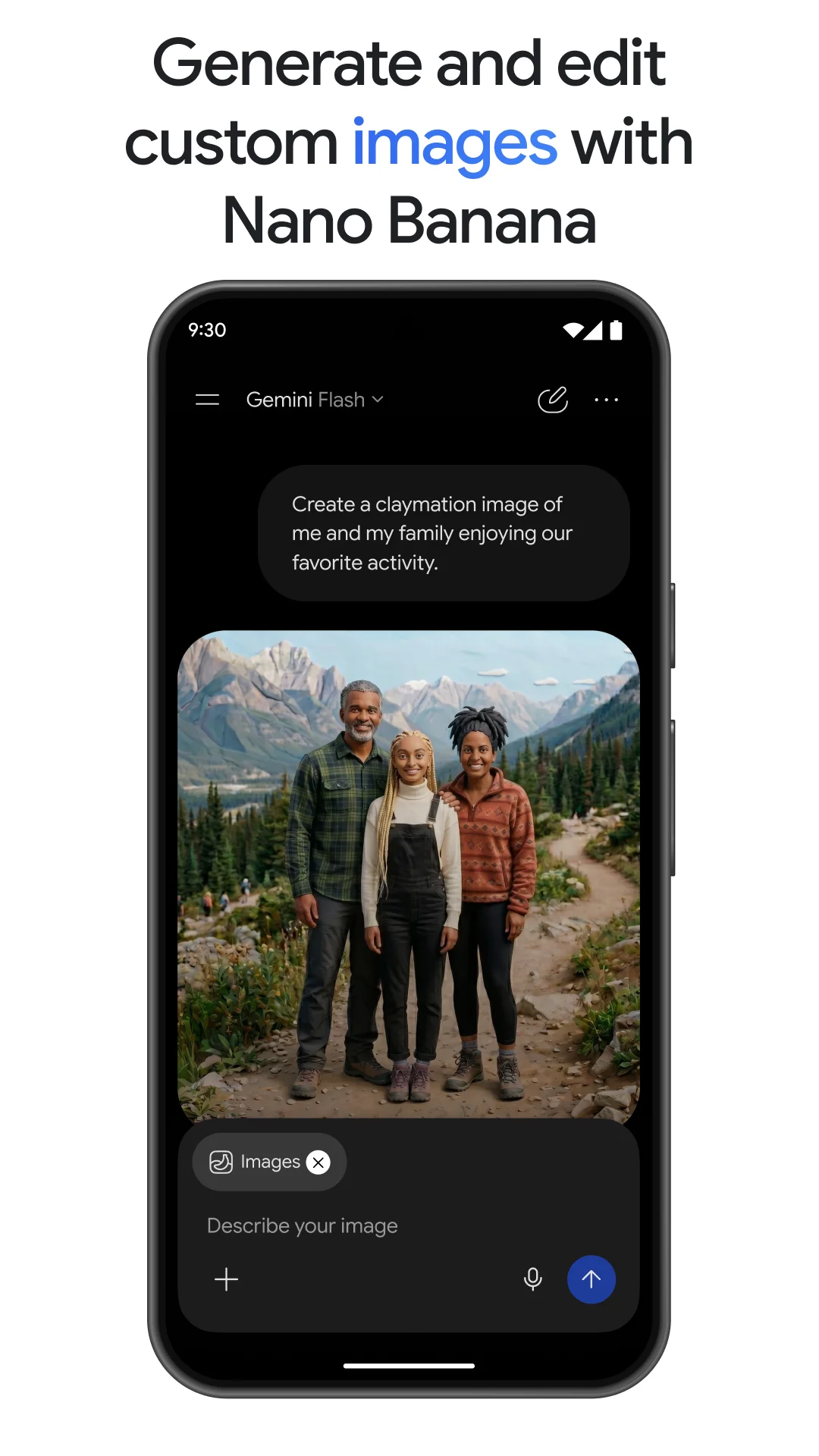
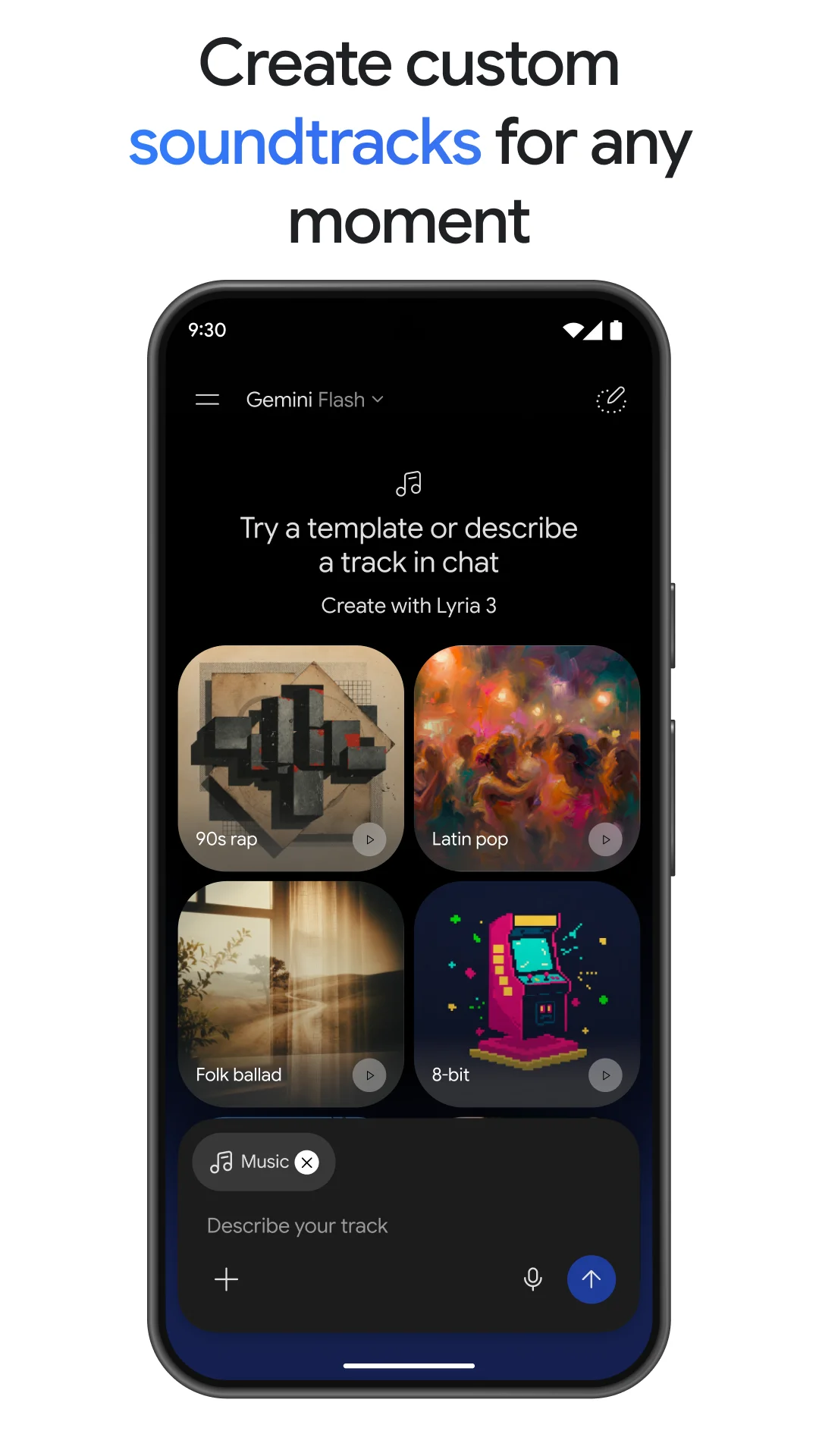
For images, the listing names Nano Banana 2 and describes camera and lighting controls, mockups made by blending multiple images, posters with sharp text, and diagrams, with resizing as needed. These are presented as editing and design workflows rather than one-shot generation. Video generation is attributed to Gemini Omni and is described as available for Google AI Plus, Pro, Ultra and Workspace users. Custom soundtracks are attributed to Lyria 3. The video description names eligible account tiers. This does not establish universal access to every creative tool or present plan entitlements.
A polished result is not necessarily the requested result
An August 2026 sampled reviewer enjoys making images but describes a prompt being interpreted as an object made from a material instead of merely having its color. A June 2026 reviewer finds creative role-play disrupted by refusals and continuity problems. Those are dated personal experiences, not a statement of current moderation rules, an accuracy benchmark, or proof that a particular request will succeed or fail today.
Try one concrete workflow, such as discussing a supplied image or revising a visual detail, and inspect whether the response preserves the intended constraints. Connecting services and uploading files are different choices about context, not guarantees of a correct answer. The model and tool names in the stored listing describe its advertised feature set; actual access may vary, and this overview has not independently verified current account entitlements or tested the generated output.
Editorial disclosure: This overview combines a stored Google Play product description with anonymized Google Play reviews from an existing local snapshot. Reviews were collected with per-star limits, so the selected sample is not representative of all users or the overall rating distribution. Older comments may concern earlier releases. Reported experiences and present feature availability have not been independently verified; BAUIQ did not personally test the app. Dates refer to stored review timestamps; edit times have not been independently verified.
Source basis: Stored US/en Google Play description verified on 2026-11-04; 86 privacy-filtered, deduplicated reviews selected from a local per-star-capped snapshot. Selection is not representative. Source records span 2024-11-24 to 2026-09-25. Archived listing extracts were also consulted; this is not a live feature or policy audit.